Your website is not a static brochure. Every plugin update, content change or new feature adds code, and code can carry bugs, security weaknesses or simply become outdated. A code review is a structured check of that code to make sure it still does what it should, safely and efficiently.
For a small business owner, the phrase ‘code review’ can sound like something only large software teams need to worry about. In practice, it is one of the most straightforward ways to protect your website and keep it running well.
What a website code review actually covers
A review looks at the building blocks of your site: the theme, plugins or custom code, how they interact, and whether any of them have known vulnerabilities. It also checks that nothing sensitive, such as passwords or API keys, has been left exposed, and that the site still meets current standards for speed and accessibility.
For a WordPress site, that typically means checking the active theme and every installed plugin, reviewing any custom functions, and confirming that nothing is running on an unsupported version of PHP or WordPress core.
- Theme and plugin versions
- Custom code and functions files
- PHP version compatibility
- Hardcoded credentials or exposed configuration
- Broken or outdated dependencies
How often should you review?
There is no single answer that fits every site, but there are sensible rules of thumb based on how much your site changes and how sensitive the data it handles is.
Security-focused guidance consistently recommends reviewing any code that touches user data, payments or login systems every time a change is made, not on a fixed schedule. For the rest of a site, a structured review once or twice a year is a reasonable baseline for most small businesses.
- After every significant update or new feature: review the changed code before it goes live
- Every six months: a full review of all plugins, the theme and any custom code
- After a security incident or a major WordPress or PHP release: an immediate targeted check
- Before a website relaunch or redesign: a thorough audit of the entire codebase
Why leaving it too long is risky
Plugins and themes are updated frequently, and older versions can contain known vulnerabilities that attackers actively exploit. The longer a site goes without a review, the more likely it is that something has quietly fallen out of date.
There is also a compounding effect. Small problems that would take minutes to fix when caught early can become expensive to untangle months later, particularly if they have been built on top of by subsequent changes.
What to look for in a practical review
You do not need to read every line of code yourself, but you should know what your developer or hosting partner is checking. A useful review covers security vulnerabilities, performance bottlenecks, compatibility with the current versions of WordPress and PHP, and anything that has simply been left unused and forgotten.
Unused plugins are a particular risk. Even a deactivated plugin can be exploited if it is still installed on the server. Removing anything you no longer need is one of the simplest improvements a review can produce.
- Remove deactivated or unused plugins entirely
- Confirm all active plugins are on their latest stable release
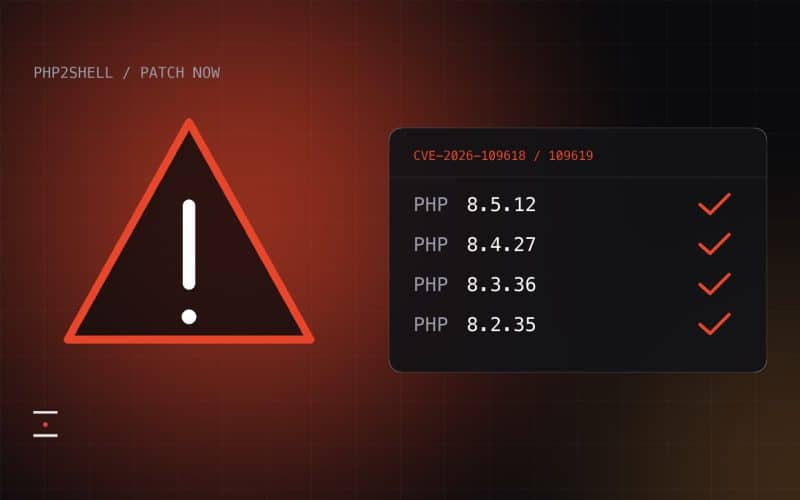
- Check that PHP is on a supported version
- Look for any code that calls external services you no longer use
How we can help
At Eprefix, we build and host WordPress websites and handle updates on behalf of our clients, which means we are already watching for the kinds of issues a code review is designed to catch. If you would like a structured review of your existing site, or want to talk about how we keep hosted sites in good shape, get in touch with us.