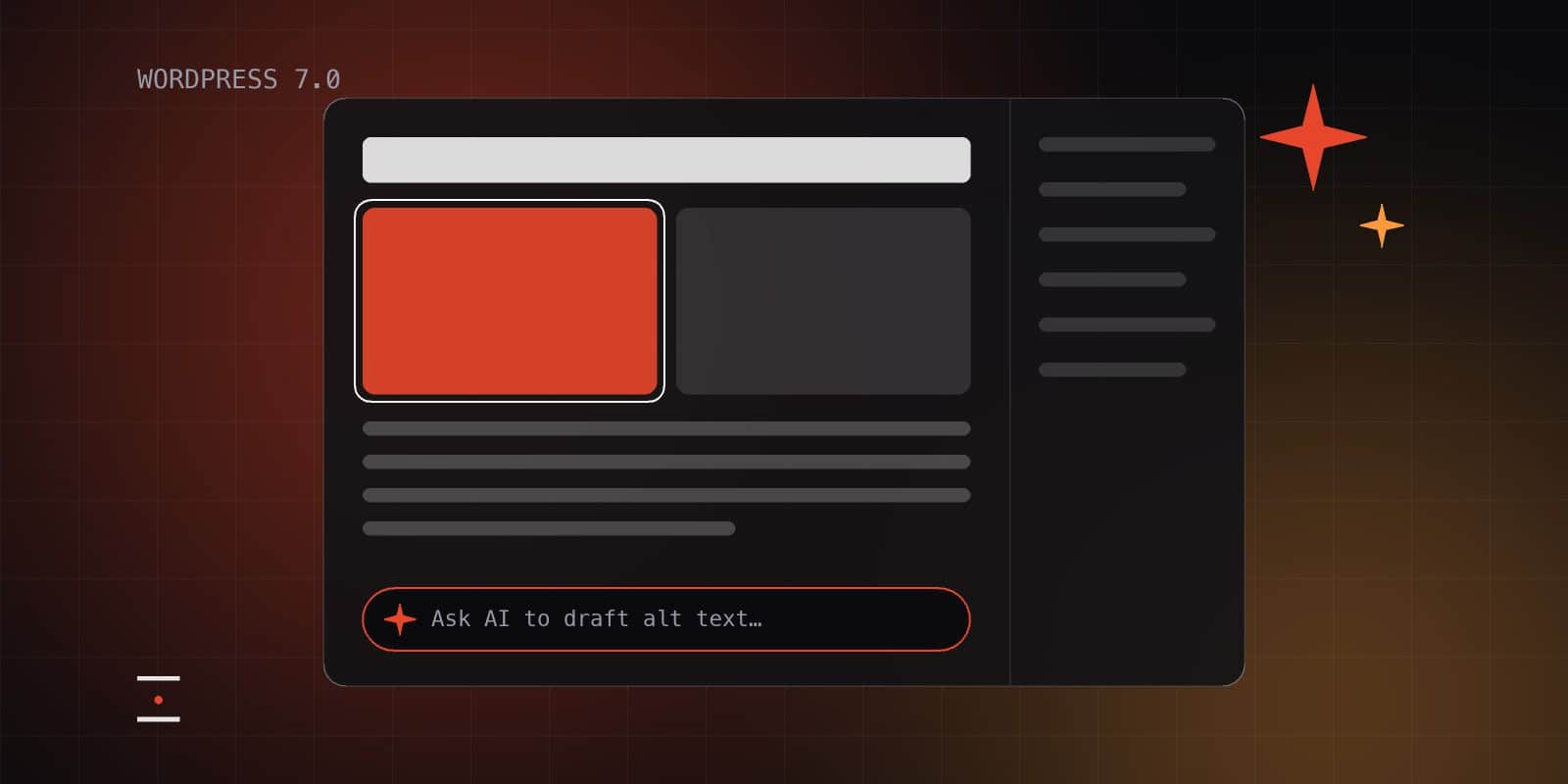
WordPress 7.0 was released on 20 May 2026, a few weeks later than its original April date so the team had more time for testing. Most of the attention has gone to one area: AI.
The AI groundwork
WordPress 7.0 doesn’t add a chatbot to your dashboard. It adds the plumbing that lets WordPress and its plugins work with AI services in a consistent way:
- The WP AI Client, a standard way for WordPress and plugins to send requests to AI providers such as Anthropic, Google and OpenAI.
- A Connectors screen in the admin, where you add your AI provider details once and every compatible plugin can use them.
Until now, every AI plugin had its own settings, its own API keys and its own way of doing things. A shared foundation means fewer plugins to manage, and less of your content passing through services you didn’t choose.
What else is new
- Visual revisions, so you can see the differences between versions of a page instead of reading through code.
- New Breadcrumbs and Icons blocks.
- Refreshed admin screens for lists of posts, pages and media.
- A higher minimum PHP version (7.4), which is a reminder to keep PHP up to date as well.
Real-time collaboration, where several people edit the same page at once, was planned for this release but was held back so it can be finished properly.
Where AI helps, and where to be careful
Used well, these tools save time on small, repetitive jobs: drafting alt text for images, writing meta descriptions, summarising long pages, or producing a first translation. They’re much less reliable at writing content from scratch that sounds like your business.
- Check what you send. Content passed to an AI provider leaves your website. Make sure that fits your privacy policy and GDPR obligations, especially if it includes customer data.
- Check what comes back. AI output can be confidently wrong. Have someone read it before it goes live.
- Watch the costs. AI providers charge by usage, and that bill comes to you, not WordPress.
Should you use it?
There’s no rush. Your website works exactly as before unless you choose to connect a provider. If you’d like to try the AI features, we can help you pick a provider, set it up and decide which features are worth turning on.